



Current Express Maintenance Product Versions
Product |
Version |
Size |
Date |
Express Maintenance Update |
9.8.3.58 |
284 MB |
12/22/2025 |
Express Request Update |
9.8.3.40 |
64.5 MB |
01/22/2025 |
Mobile App for iOS |
see app store |
11.3 MB |
12/22/2025 |
Mobile App for Android |
see app store |
21.1 MB |
12/22/2025 |
Choose an option below:

Express Maintenance:
Please review the following information to ensure success
Read First:
1.If you are currently running any version previous to 9.8.3.47 please put in a Support ticket for assistance to update to the current version
2.In order to use the current mobile app you will need to be running 9.8.3.47. Please contact us with a support ticket for instructions or assistance.
PASSWORD REQUIRED: request password via support ticket
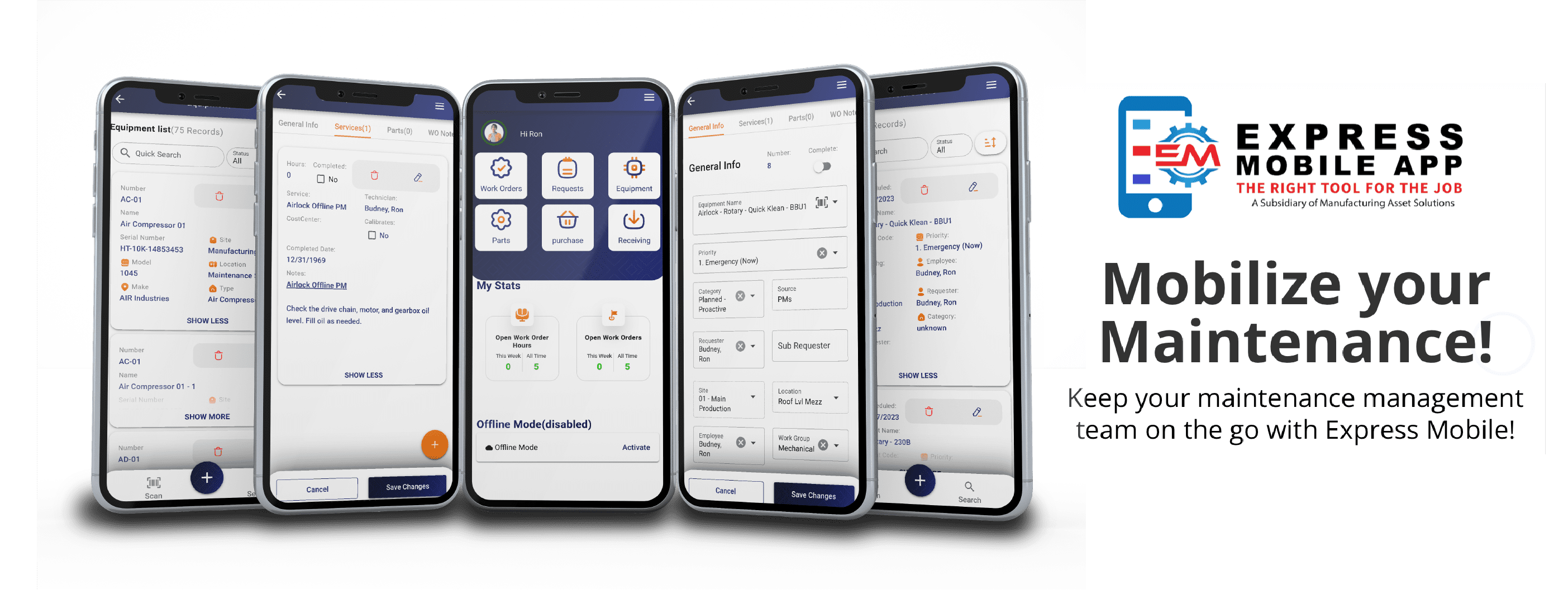
Express Mobile
Download the Express Maintenance Mobile Application for IOS and Android
For installation instructions please enter a support ticket


Express Maintenance Service Files

Express Maintenance Client Install Info
Express Maintenance Release Notes
Express Maintenance Release Notes 9.8.3.58
New Features
- New option to allow users to override the default Technician when creating Service (PM) type Work Orders. When the configuration option ‘Override existing Tech when creating Service WOs’ is enabled (off by default), the user will see an additional checkbox on the Create Work Orders popup to allow this behavior.
- New option to allow users to specify a Reference when creating Work Orders. When the configuration option ‘Allow Selecting the Reference when creating WOs’ is enabled (off by default), the user will see an additional dropdown for Reference on the Create Work Orders popup.
- Added the Technical Notes to the Work Order grid. Moved the Technical Notes from the bottom Work Order panel to the top right.
- New option for Food Contact WO type filtering when completing WOs. You can now specify if Food Contact is for All, Requests or PM type WOs.
- Employee Access Settings – Apply User Properties now shows all employees.
- Work Order Overview column Reference is now editable and used a dropdown for selecting among the valid reference types.
Bug Fixes
- Fixed issue with Work Order Auto Add Parts.
- Disabled spell checking auto-correct words when typing text. This was causing issues when specifying filters.
- Disabled auto-uppercase of the first word in a sentence, when typing text.
Express Maintenance Release Notes 9.8.3.54
New Features
- The option to send Work Order completed emails now works with the Mobile Application.
- New option to show and enforce time entry for Count data. The default is to not show or enforce time entry.
Bug Fixes
- Fixed issue with duplicating equipment records.
Express Maintenance Release Notes 9.8.3.51
New Features
- On the Employees tab for the ‘Add to Security’ button, you now have the ability to select the access type for the employee.
- On the Units (Equipment) tab, under the Overview grid, you have new columns for the Unit Name and Unit Number.
- On the Parts tab there is a new menu option for ‘Flag All’.
- On the Work Order tab under Calculations, removed the text ‘Est.’ from the ‘Calc Total’ checkbox.
Bug Fixes
- Update Counts no longer creates duplicate Equipment Count records.
- Corrected a few typos.
Express Maintenance Release Notes 9.8.3.49
New Features
- Employee Grid View → Add to Security button → Added Access option checkboxes that allow the user to specify exactly what features the employee will have access to

Express Maintenance: Software Release Notes
Express Maintenance Release Notes 9.8.3.34
New Features
- Work Order printing and completion now allows selections by user.
- When completing Work Order Parts, the part is automatically added to the Unit Parts list.
- New option for how to compute the quantity on order.
- New option for setting focus to the Work Order Notes control.
- New option for hiding login popups related to the SA account.
- The Dashboard toolbar now includes a Clear Cookies button.
- Hosted customers default email address for sending email is now using a high-performance Office 365 address.
- Work Order Parts Cost now shows the number of decimal places defined in the configuration.
Express Maintenance Release Notes 9.8.2.42
New Features
- Purchase Order Price now shows up to 5 decimal places.
Bug Fixes
- Update Quantity – All Parts SQL fixed.
- Service Item Lookup – Fixed for large values.
- Allow Update Counts when using legacy admin sign on.
Express Maintenance Release Notes 9.8.2.39
New Features
- Added new popup warning when signing on using the obsolete ‘sa’ user account.
- Added a new toolbar button to navigate to the MAS Knowledge Base Website.
- Add colored backgrounds for the login email on the status bar. Yellow for read only users, green for admins and red for the obsolete ‘sa’ account.
- Add support for substring filtering by the Manufacturer Name on the Multi-DB Parts tab.
- Re-label Authentication as Security to avoid confusion.
- Moved the Archive button from the Administration tab to the Utility tab.
- Parts Inventory – Receiving History tab – Add option to show zero quantity items.
Bug Fixes
- Request notes after Work Order creation now show the correct text in the grid.
- Purchase Order RFQ emails now contain the correct CC email addresses.
- Work Order overview grid filters are cleared when switching to the Request or Service tabs to ensure the correct selection of data.
- Fixed a carriage return / line feed issue on the body section of Work Order emails.
- Fixed several areas to support read only access.
- Improved sign on algorithms. The INI file is no longer used.
- Prevent exceptions on a calculated field filter on Work Orders for the Site / Location field.
- Quantity ordered now defaults to zero when receiving manual orders.
- Units (Equipment) Overview tab – Show highlighting on the selected Unit Types, Unit Categories, and Unit Make filter on the left side.
Express Maintenance Release Notes 9.8.2.30
New Features
- Multi-Database Parts Lookup – Customers can be setup to allow searching for Parts from multiple databases. Contact support if you would like this for your company.
- Dual Login Feature – In future releases of Express Maintenance, the sign-on procedure will be changed to provide safe and secure access to your data. The existing, easy-to-guess login names are being replaced with state-of-the-art logins using email addresses. Our support staff will work with you to setup your users and only when you are ready, will the switch to Secure Sign On be made.
- Secure Sign On – The new security system uses the latest authentication services to ensure your data safety.
- New Employees default to use maximized tabs.
- Equipment Type is no long a required field by default.
- Activity Logs – List of users now shows only users with data in the log table.
- Purchase Orders – Removed read only restriction on Voided and Closed.
- Work Order – Month Calendar can now use the mouse drag to select up to a year on the screen.
- Work Order – Labor field changed to allow decimal places when entering values.
- Company – Percent fields changed to allow decimal places when entering values.
- Company – Address is no longer a required field.
- Email – Pass through the security settings, such as Ignore TLS, for the Email server.
Bug Fixes
- Update Counts – Sorting is now working and shows on the Grid.
- Update Counts – Fixed grid heading to show Eqp Code instead of Unit.
- Parts – The secondary data controls will be blank when inserting new Parts records.
- Parts – Fixed an issue with the picture not displaying correctly when changing the selection in the grid.
- Parts Analysis- Fixed heading typo to show Description.
- Parts Analysis- Fixed filter that prevented selecting the first item in the drop down box.
- Tabs maximized value now saved correctly.
- Activity Logs – Fixed filters so User and Module work correctly.
- Work Orders – When inserting a Purchase Order, record the Work Order number on the PO.
- Emails – Fixed an issue where the email server names was not used correctly.
- Miscellaneous – Updated utilities so a blank string is not considered a number.
- Miscellaneous – Fixed issue with image attachments not displaying when requested.